Short answer: the TI-84 Plus and TI-84 Plus Silver Edition are the older black-and-white models (15 MHz, 96×64 screen, AAA batteries). The TI-84 Plus CE added a color, backlit 320×240 screen, a rechargeable battery and a 48 MHz processor. The TI-84 Evo, launched by Texas Instruments on April 28, 2026, is the newest model: a 156 MHz processor, a 50% larger graphing area, USB-C, an icon-based home screen and Python programming. If you just need a TI-84 for homework right now, you can use our free TI-84 Plus CE-style calculator online in your browser.
This guide compares all four models side by side, explains what actually changes when you press the keys, and helps you decide which one is worth buying, or whether you need to buy one at all.
TI-84 models compared: quick spec table
The numbers below come from Texas Instruments’ own TI-84 Evo product page and comparison chart, TI’s Evo vs Plus CE support article, and published specs for the older models. Where TI doesn’t publish a figure for a model, we left it out rather than guess.
| Feature | TI-84 Plus | TI-84 Plus Silver Edition | TI-84 Plus CE | TI-84 Evo |
|---|---|---|---|---|
| Introduced | 2004 | 2004 | 2015 | April 2026 |
| Processor speed | 15 MHz | 15 MHz | 48 MHz | 156 MHz |
| Screen | 96×64, black and white | 96×64, black and white | 320×240, color, backlit | 320×240, 2.8-inch, color, backlit |
| Graphing area (pixels) | 96×64 | 96×64 | 264×165 | 319×209 |
| User memory (archive) | 480 KB | 1.5 MB | 3 MB | 3.5 MB |
| Power | 4 AAA + backup cell | 4 AAA + backup cell | Rechargeable battery | Rechargeable battery |
| Port | Mini-USB | Mini-USB | Mini-USB | USB-C |
| Python programming | No | No | Python edition only | Yes (plus TI-BASIC) |
| Home screen | Classic menus | Classic menus | Classic menus | Icon-based home screen |
| Still made? | Yes | No (discontinued) | Yes | Yes (newest) |
Not affiliated with Texas Instruments: TI 84 Calc PRO is an independent site. TI-84, TI-84 Plus CE and TI-84 Evo are trademarks of Texas Instruments.
TI-84 Plus: the classic school calculator
The original TI-84 Plus came out in 2004 as an upgrade to the TI-83 Plus. It kept the same keyboard layout and menus, so TI-83 programs and keystrokes carry straight over, and it added a mini-USB port and a built-in clock. The screen is a small 96×64 monochrome display, and it runs on four AAA batteries.
Schools still hand these out because they are tough, cheap to keep running and allowed on the big exams. The downside is speed and screen size: graphs look blocky and long programs run slowly. If you’re coming from a TI-83, you’ll feel at home, and our TI-83 calculator online page explains how the TI-83 and TI-84 keystrokes line up.
TI-84 Plus Silver Edition: same calculator, more memory
The Silver Edition launched alongside the TI-84 Plus in 2004. TI’s own guidebook says the two models have the same functions; they differ only in available memory (1.5 MB of Flash archive on the Silver Edition versus 480 KB) and interchangeable faceplates. The processor, screen and keys are the same.
Texas Instruments no longer makes the Silver Edition, so you’ll mostly see it secondhand. If someone offers you one cheaply, it does everything a TI-84 Plus does. Just don’t pay extra for the name: for class work, the extra memory rarely matters.
TI-84 Plus CE: the color upgrade most students use
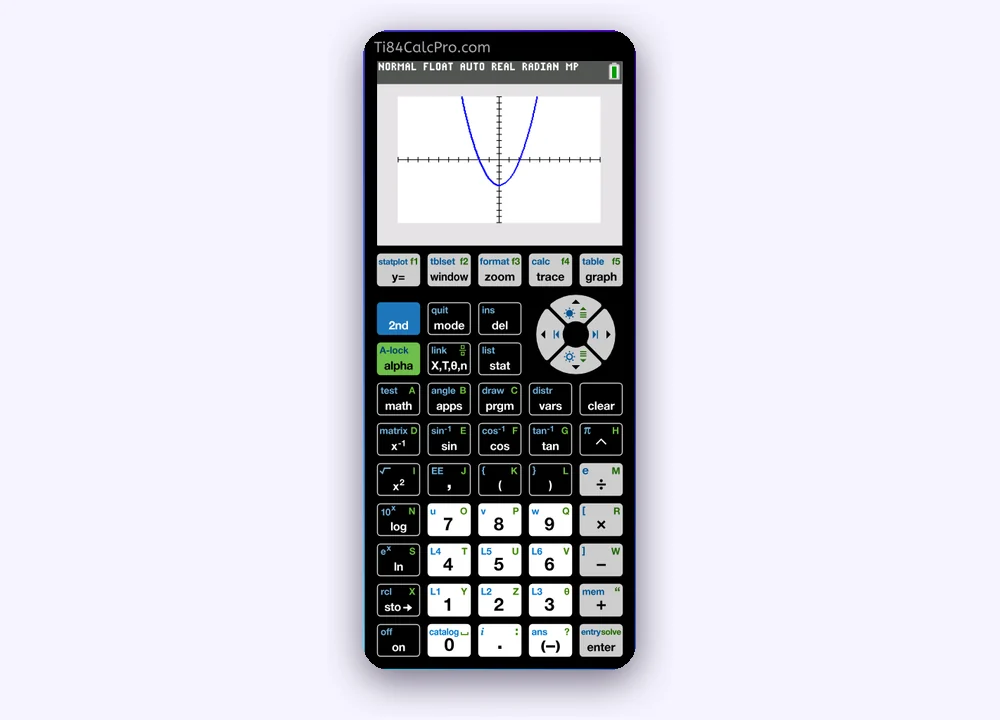
The TI-84 Plus CE replaced the older family in 2015. It’s thinner and lighter, has a rechargeable battery and, most importantly, a 320×240 color backlit screen. Graphs can be drawn in different colors, the text is sharper, and the 48 MHz processor makes graphing and statistics noticeably faster than on the 15 MHz models.
Keystrokes are almost identical to the TI-84 Plus, so class notes and YouTube tutorials written for either one usually work on both. There is also a TI-84 Plus CE Python edition that can run Python programs. One detail worth knowing: TI’s support site says TI-84 Plus CE units manufactured after 2026 do not support Python programming, so check the box if Python matters to you.
TI-84 Evo: what’s new in 2026
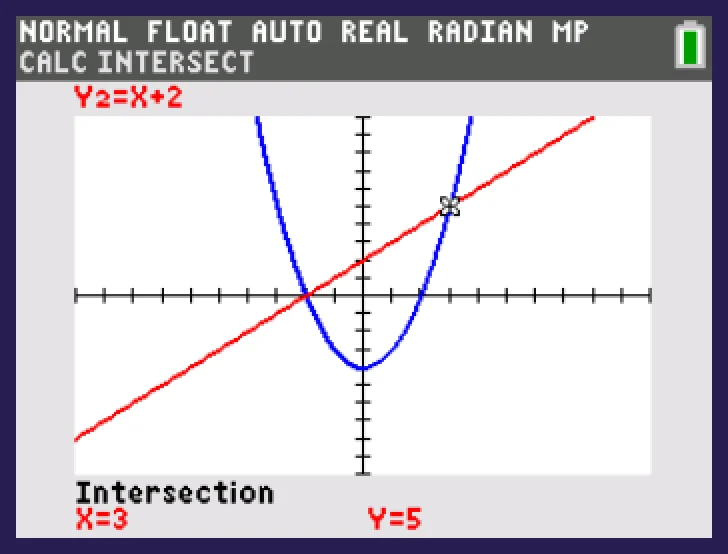
Texas Instruments announced the TI-84 Evo on April 28, 2026, calling it the most advanced TI-84 so far. Here is what TI says changed compared with the TI-84 Plus CE:
- About 3 times faster: 156 MHz instead of 48 MHz.
- 50% larger graphing area: the graph uses almost the full 320×240 screen (319×209 pixels instead of 264×165).
- USB-C for charging and connecting to a computer, replacing mini-USB.
- Icon-based home screen and a new Home key, so the most-used tools are visible right away.
- Python and TI-BASIC programming, plus support for TI-Innovator STEM accessories.
- No Wi-Fi: TI designed it as a single-purpose, distraction-free calculator.
- Online calculator included: students get a free four-year online calculator license with a retail purchase, according to TI.
Key layout changes to watch for
The Evo is not a 100% copy of the old keypad. TI’s support article lists several moves. The distr menu now lives on alpha stat and is sorted into categories, so binompdf is found under 4:Binomial. 2nd vars opens the matrix menu, a dedicated fraction key replaces the old template shortcut, and 2nd clear now undoes a single clear. In the statistics menus, you press window or zoom to Calculate or Paste instead of arrowing down and pressing enter.
So if your teacher writes steps for a TI-84 Plus CE, most will still work on an Evo, but distribution and matrix shortcuts are where you’ll notice a difference.
Which TI-84 should you get?
- Your school lends you a TI-84 Plus: keep it. Every keystroke guide on this site works on it, and it’s allowed on the main exams.
- You’re buying one for the next few years: the TI-84 Plus CE is the most common choice, with a color screen and keystrokes that match almost every tutorial.
- You want the newest model, Python or the included online license: look at the TI-84 Evo, but expect a few key positions to differ from older guides.
- You found a cheap Silver Edition: it’s fine for class work; it behaves like a TI-84 Plus.
- You just need to finish homework tonight: you don’t need to buy anything. Use our free online TI-84 calculator on any laptop or Chromebook.
Are they all allowed on the SAT, ACT and AP exams?
Texas Instruments’ exam chart lists the TI-84 Plus, TI-84 Plus Silver Edition and TI-84 Plus CE as permitted on the SAT, PSAT/NMSQT, AP, ACT and IB exams, and TI’s launch announcement says the TI-84 Evo is approved for the ACT, SAT, IB and AP. Rules change, so always check the current calculator policy for your test before exam day. Phone apps and websites, including ours, are not allowed in exams.
Do the keystrokes change between models?
For the TI-84 Plus, Silver Edition and Plus CE, the core keystrokes are the same: Y= to type a function, 2nd TRACE for the CALC menu, STAT for lists and regressions, and 2nd VARS for distributions like normalcdf. That’s why our step-by-step pages, such as the normal distribution calculator and the linear regression calculator, show TI-84 keys that work across those models.
The Evo keeps the same ideas but changes a few paths, as described above. When you see 2nd VARS in an older guide, on an Evo you’ll go to alpha stat for distributions instead.
Try a TI-84 free before you buy
Not sure if a graphing calculator is worth the money? Our free graphing calculator online runs in your browser with no download or sign-up, uses the TI-84 Plus CE key layout and lets you practice graphing, tables and statistics. It’s a TI-84 Plus CE-style tool, so it won’t show the Evo’s new icon home screen, but nearly every classroom lesson still works the same way.
Prefer the full-size version? The TI-84 Plus CE calculator online page has a full-screen button, so the keys are easy to click on a small laptop screen.
Summary
- TI-84 Plus and Silver Edition: 2004 models, 15 MHz, black-and-white 96×64 screen, AAA batteries. The Silver Edition only adds memory.
- TI-84 Plus CE: 2015, color backlit screen, rechargeable, 48 MHz, mini-USB. The most common choice.
- TI-84 Evo: 2026, 156 MHz, 50% larger graphing area, USB-C, icon home screen, Python, no Wi-Fi.
- Most keystrokes match across the Plus, Silver Edition and CE; the Evo moves distributions and matrices.